

Kinds of entries
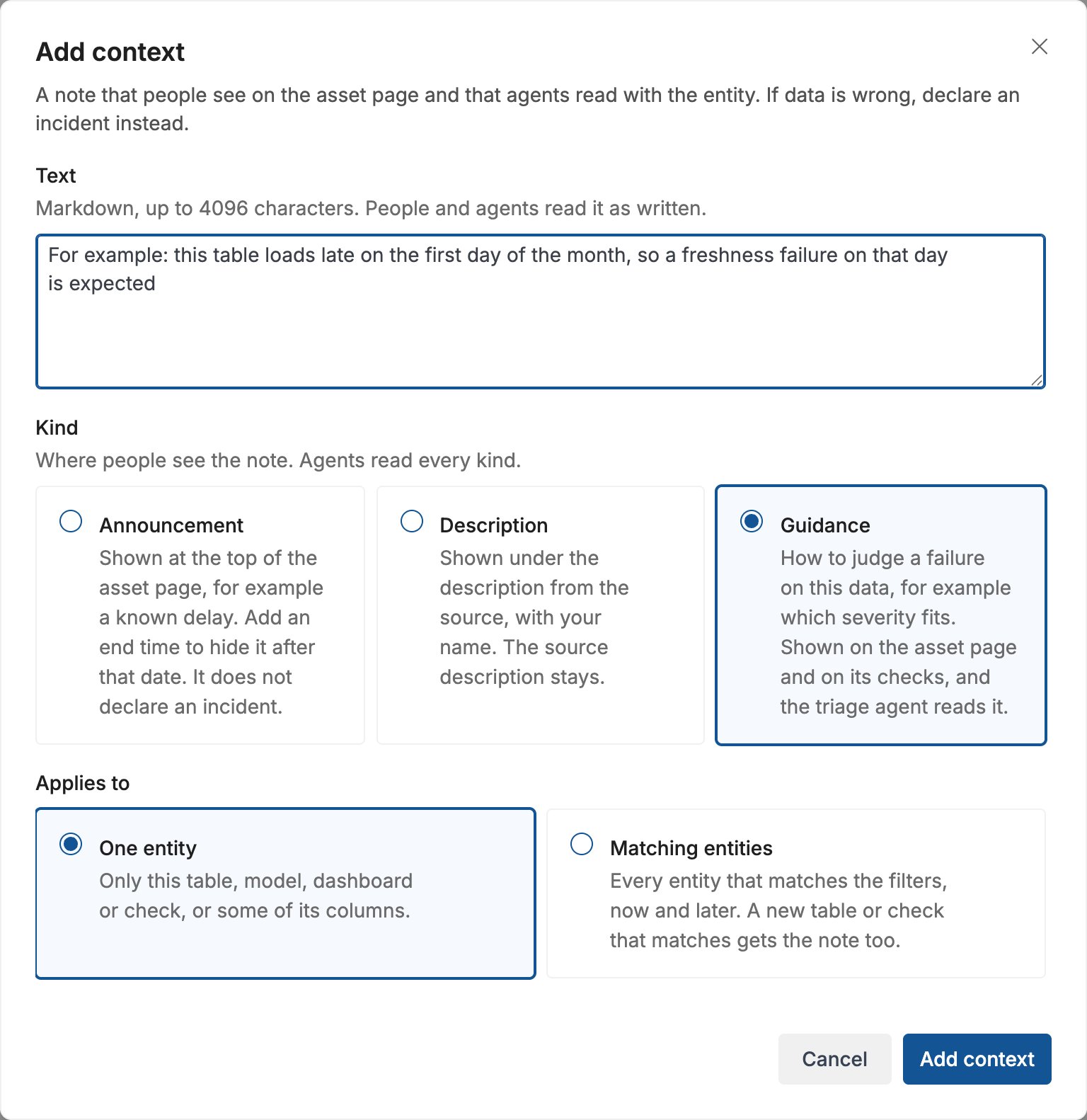
Each entry has a kind. The kind decides where people see the entry. AI assistants read every kind.
An entry can have an end time. After that time it applies to nothing and no longer shows. Use an end time for an announcement about a delay or a planned change. The entry stays in the list, so you can find it and change it.
What an entry applies to
An entry applies to one of these:- One entity: a table, a view, a model, a dashboard or a check. A check is an entity too, so an entry can be about one dbt test, one monitor or one SQL test.
- Some columns of one entity, or fields of a semantic model. The entry shows with these columns.
- Every entity that filters select, for example every table of one schema, or every check of one category. A table or a check that matches later gets the entry too, and an entity that stops matching loses it.
Not found badge.
Where people see entries
The asset page
Guidance shows in theContext block of the details panel. Below it, About columns lists the entries about columns of the asset. Click a column name to go to its row. Description entries show in the Description block, under the description from the source. Announcements show in one alert at the top of the page. The alert shows the newest announcement, and Show all opens the others.
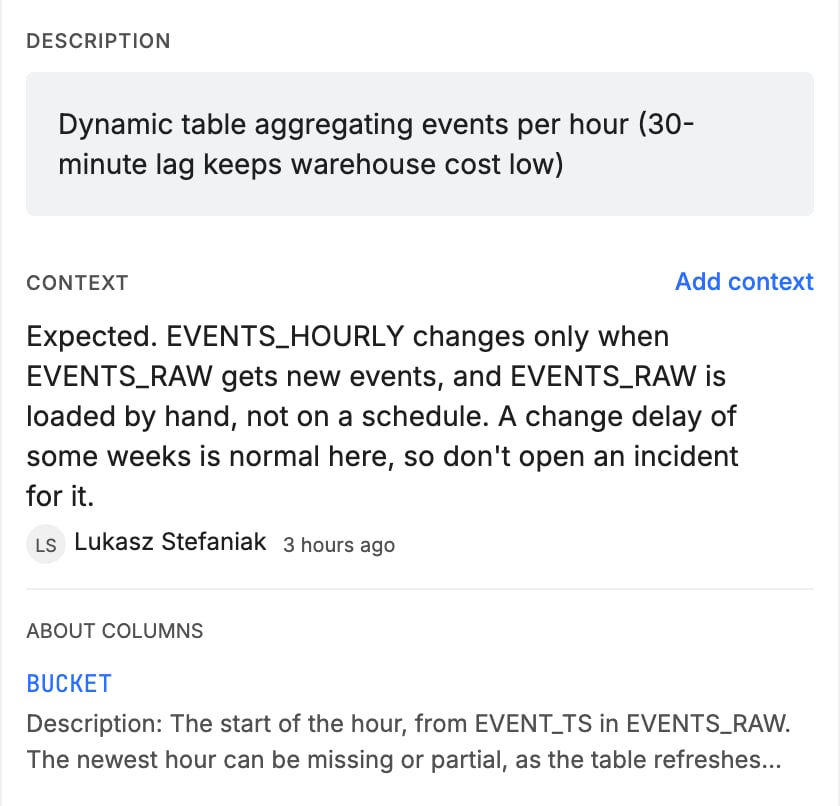
Applies to many entities. Click it to see the entry in the list.
A column
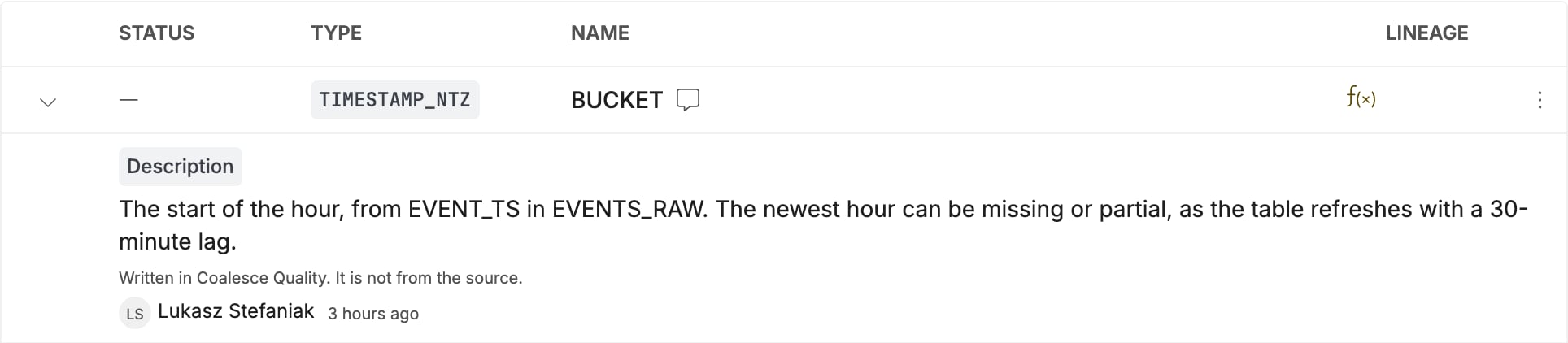
A column with entries has an icon next to its name. Hover over the icon to see how many entries it has. Open the row to read them. A description entry saysWritten in Coalesce Quality. It is not from the source.
A check
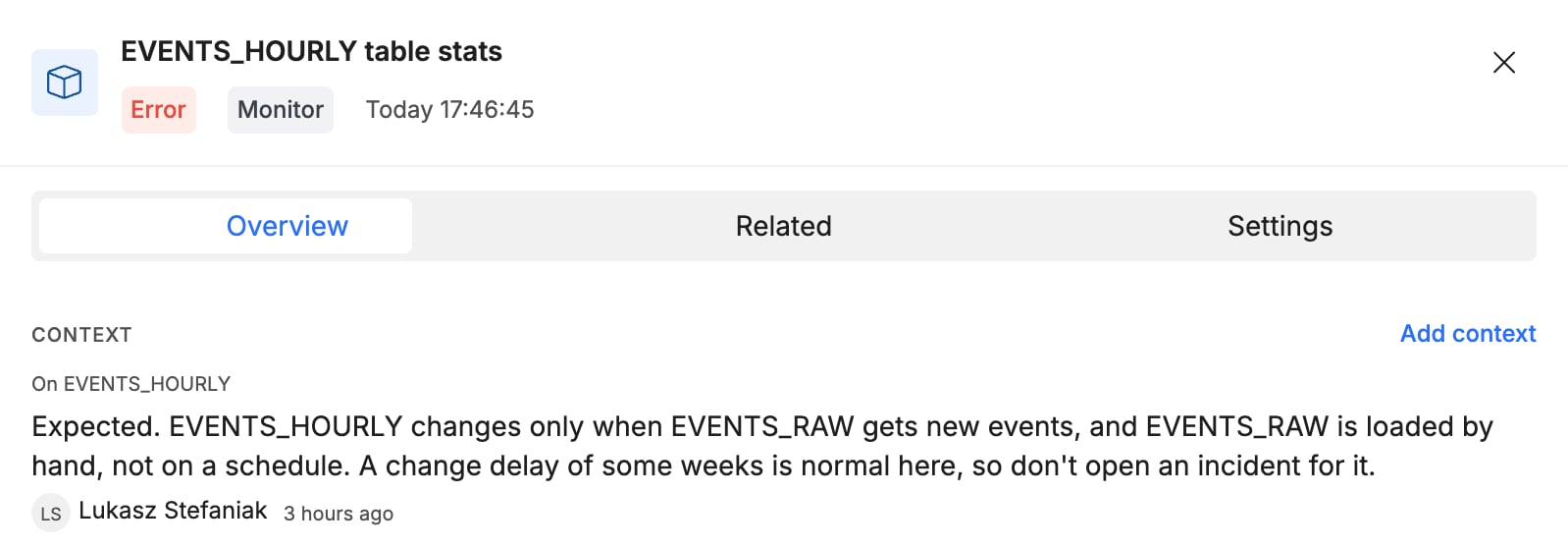
Click a check on the asset page to open its side panel. TheContext block shows the guidance of the check. After it, the block shows the guidance of the tables that the check runs on, each with On <table> above it, so guidance written on a table shows on every check of that table.
All entries
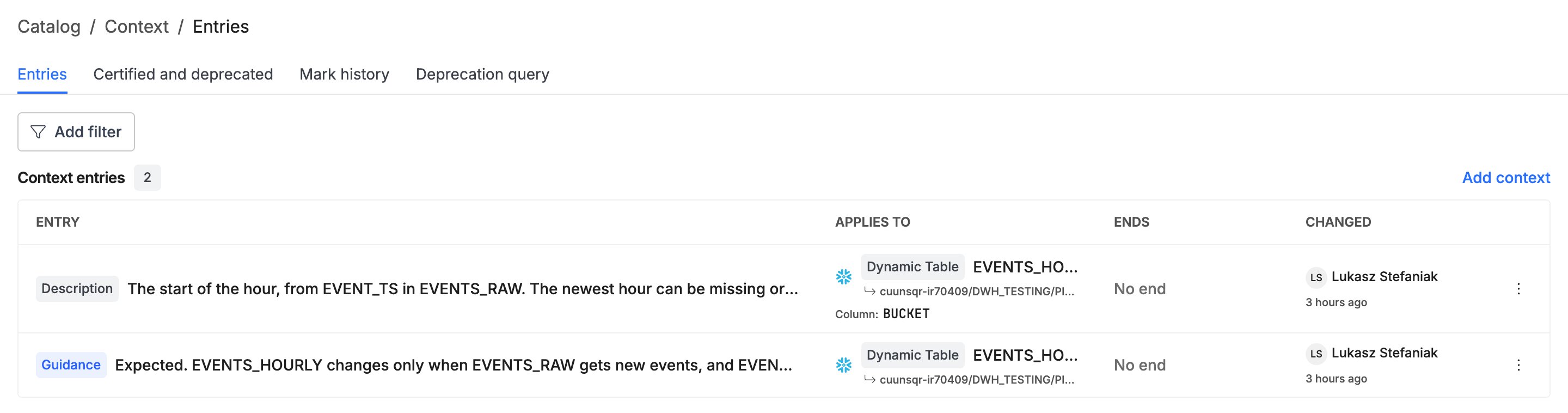
Go to . TheEntries tab lists every entry of the workspace, with its kind, what it applies to, its end time, and who changed it last. Click Add filter to show only some kinds or targets.
Add an entry
- Click
Add contextin one of these places:- The
Contextblock of the asset page or of the side panel of a check. The entity is filled in. - The menu of a column row. The entity and the column are filled in.
- .
- The
- Enter the text, in Markdown, up to 4096 characters.
- Select the kind:
Announcement,DescriptionorGuidance. - Under
Applies to, selectOne entityorMatching entities.- For
One entity, select the entity. Optionally, select columns. Without a column, the entry is about the whole entity. - For
Matching entities, add filters. The dialog shows how many entities match now, and the list of them.
- For
- Optionally, set an end time.
- Click
Add context.
Edit or delete an entry
- Go to .
- Click the menu at the end of the row of the entry.
- Select
Editto change the entry, orDeleteto remove it.
Who can write entries
The triage agent reads the entries, so only the roles that also manage checks and owners can write them. Read more about user roles.
AI assistants
The Coalesce Quality MCP server gives the entries of an asset to an AI assistant together with the asset.get_entity_details, get_schema and get_semantic_model return them, with the announcements first. get_entity_knowledge returns them with the descriptions and knowledge pages of the assets. list_context_entries lists the entries of the workspace. upsert_context_entry and delete_context_entry write them, and need write access.
When the triage agent investigates an issue, it reads the entries of the check, of the table that the check runs on, and of the affected assets. It reads an entry about columns only if the check is on one of these columns. Write guidance there to tell the agent when a failure is expected, or how severe it is.
In the API, synq.contextentries.v1alpha.ContextEntriesService reads and writes the entries. Reading needs SCOPE_CONTEXT_ENTRIES_READ, writing needs SCOPE_CONTEXT_ENTRIES_EDIT. See the API reference and API scopes. This API is in alpha, and its shape can change. A workspace can hold up to 500 entries.