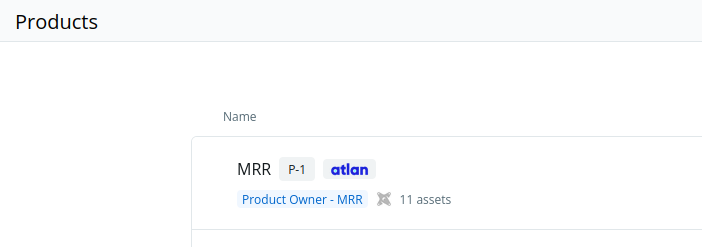
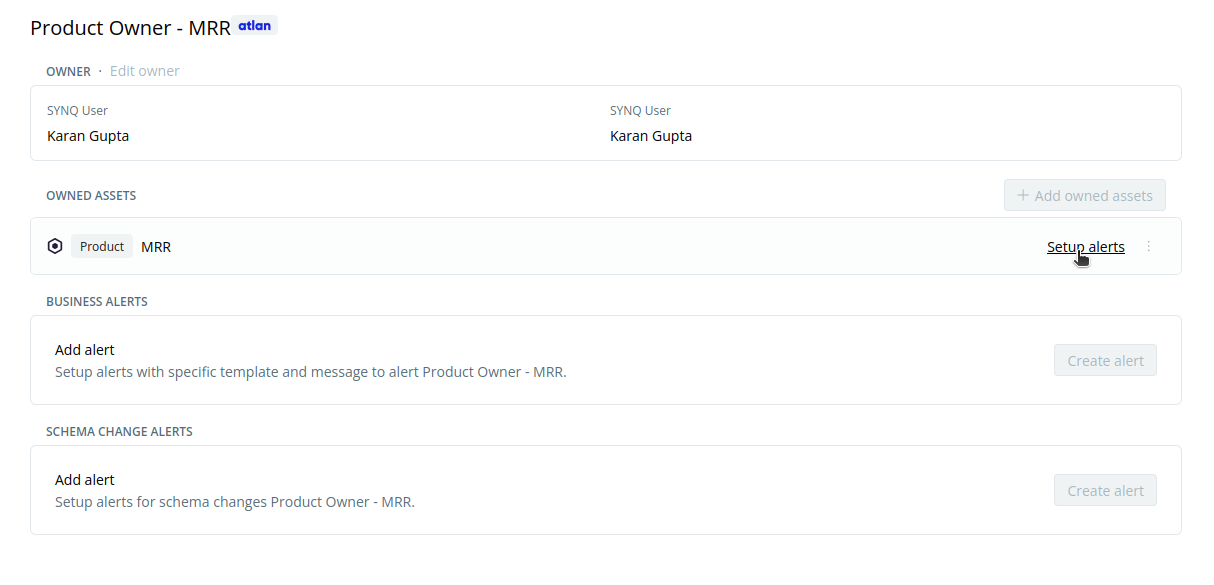
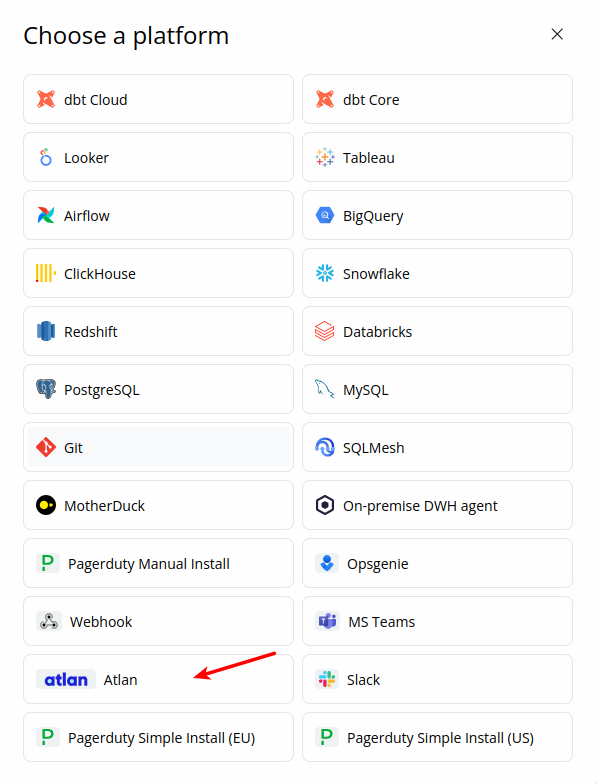
Reach out to the Coalesce Quality team to enable Atlan integration for your workspace.Once enabled, you can add an Atlan integration from the
Integrations tab on the Settings page.
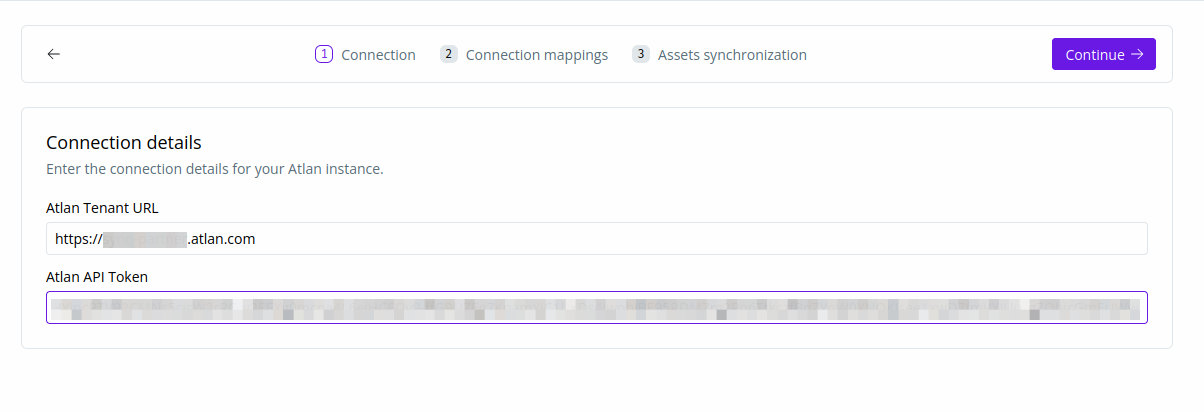
- Tenant URL - This is the URL you use to access Atlan (eg.
https://<your-org>.atlan.com) - API token - Generated as following.
-
In
Governance > Personas, create a new persona. Name it something indicative likeCoalesce Quality - API Access.- Within the persona, create the following policies:
Domain PolicywithReadpermission for domains. You can chooseAll Domainsor cherry pick the ones you want to be visible in Coalesce Quality.Metadata Policyfor each connection that you want to be visible in Coalesce Quality. Choose the permissionAssets -> Read
- Within the persona, create the following policies:
-
In
Admin > API Tokenscreate a new API token. Name it something indicative likeCoalesce Quality - API.- Choose
Expiry Never - Add the persona you just created in the step above (
Coalesce Quality - API Access) - Download or copy the API token that you see.
- Choose
- Map supported integrations with Atlan connections.
- Choose which Atlan assets to synchronize.