

John Doe) or groups (e.g., product-analytics)
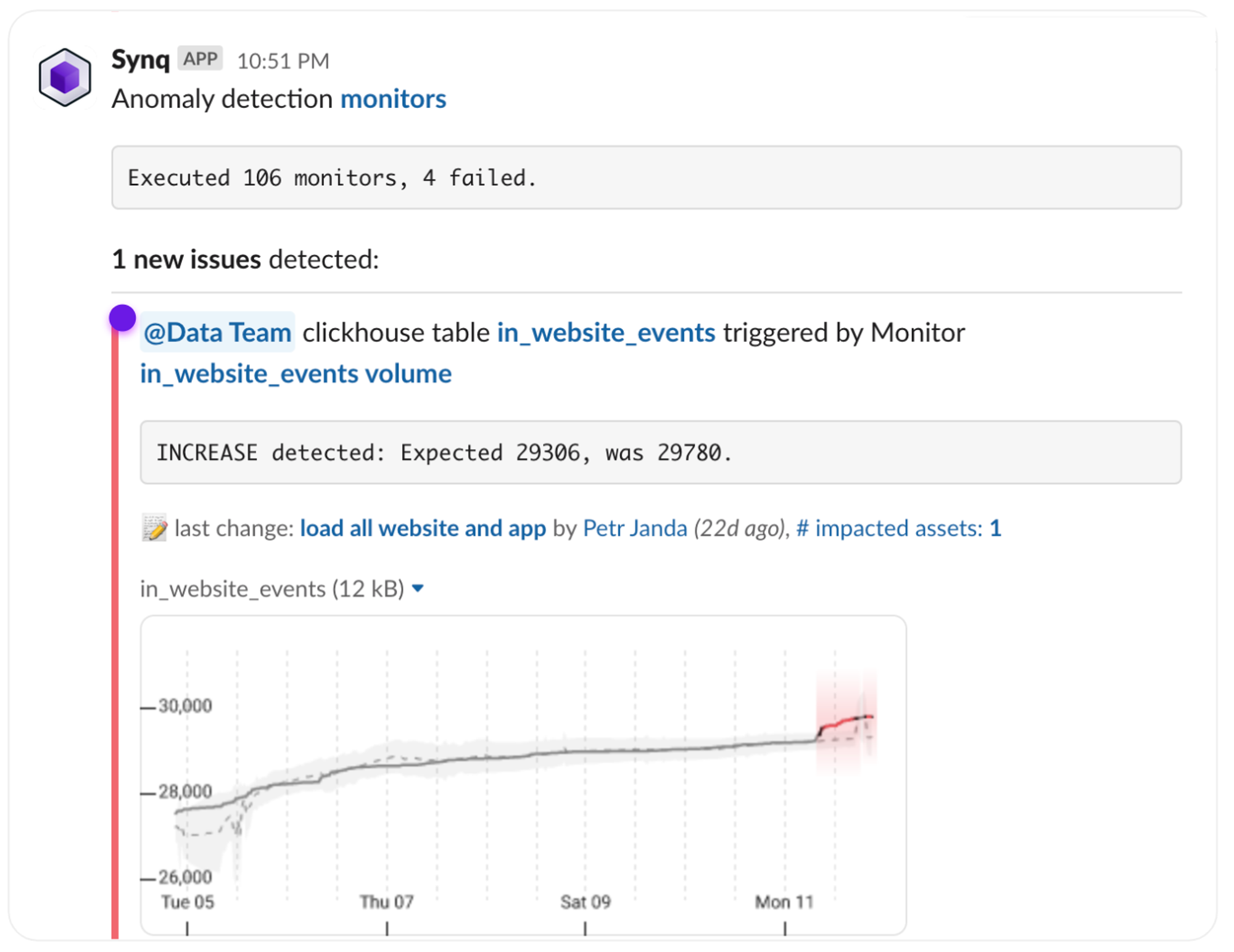
It’s particularly helpful to associate Slack handles with owners when you have a central alerting channel (e.g., #data-alerts) and a larger data team, as it can otherwise be difficult to know who’s responsible for looking at an alert.
The data team is being tagged for an anomaly alert
Setting up a Slack handle for an owner
- Follow the steps in Link ownership to Slack