> ## Documentation Index
> Fetch the complete documentation index at: https://docs.synq.io/llms.txt
> Use this file to discover all available pages before exploring further.
# Inviting new users
Only users with admin-level permission can invite new users
1. Navigate to `Settings` → `Team`
2. Click `Add user`
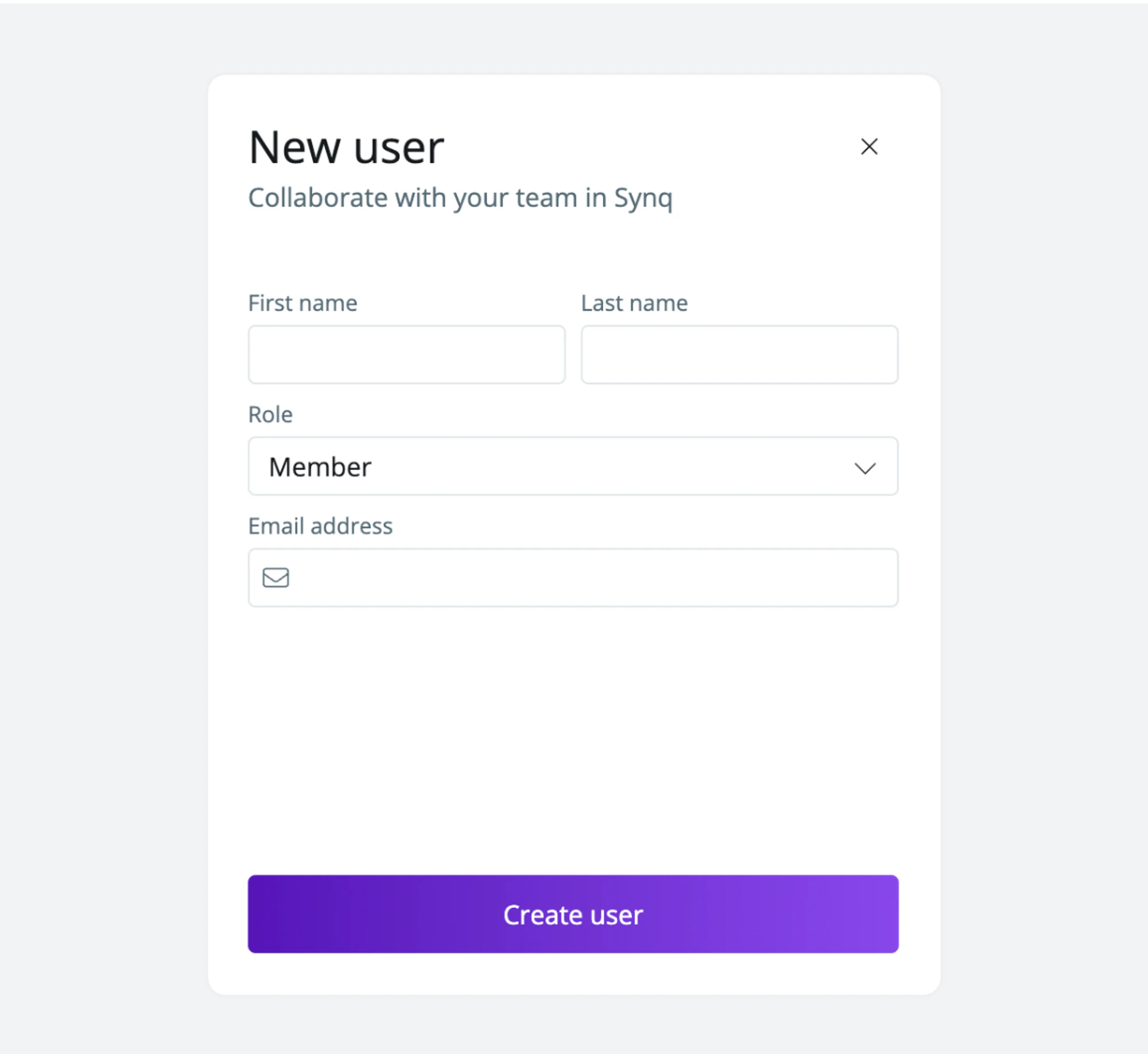
3. Fill in the required fields
 The invited user will receive an email with login details to Coalesce Quality.